How to Safely Use Public Wi-Fi for Online Banking
In our increasingly connected world, public Wi-Fi has become a staple for staying online while on the go, but it comes with significant risks, especially when it involves sensitive tasks like online banking. Many users remain unaware of the vulnerabilities that public networks pose, leading to potential security breaches and identity theft. In this blog post, we’ll explore how to safely navigate the use of public Wi-Fi for online banking, highlighting essential tips, recognizing secure networks, and implementing protective measures like VPNs to enhance Public Wi-Fi Safety. Whether you’re at a café, airport, or hotel, understanding how to protect your financial information is crucial for a worry-free online experience.
Understanding the Risks of Public Wi-Fi for Online Banking
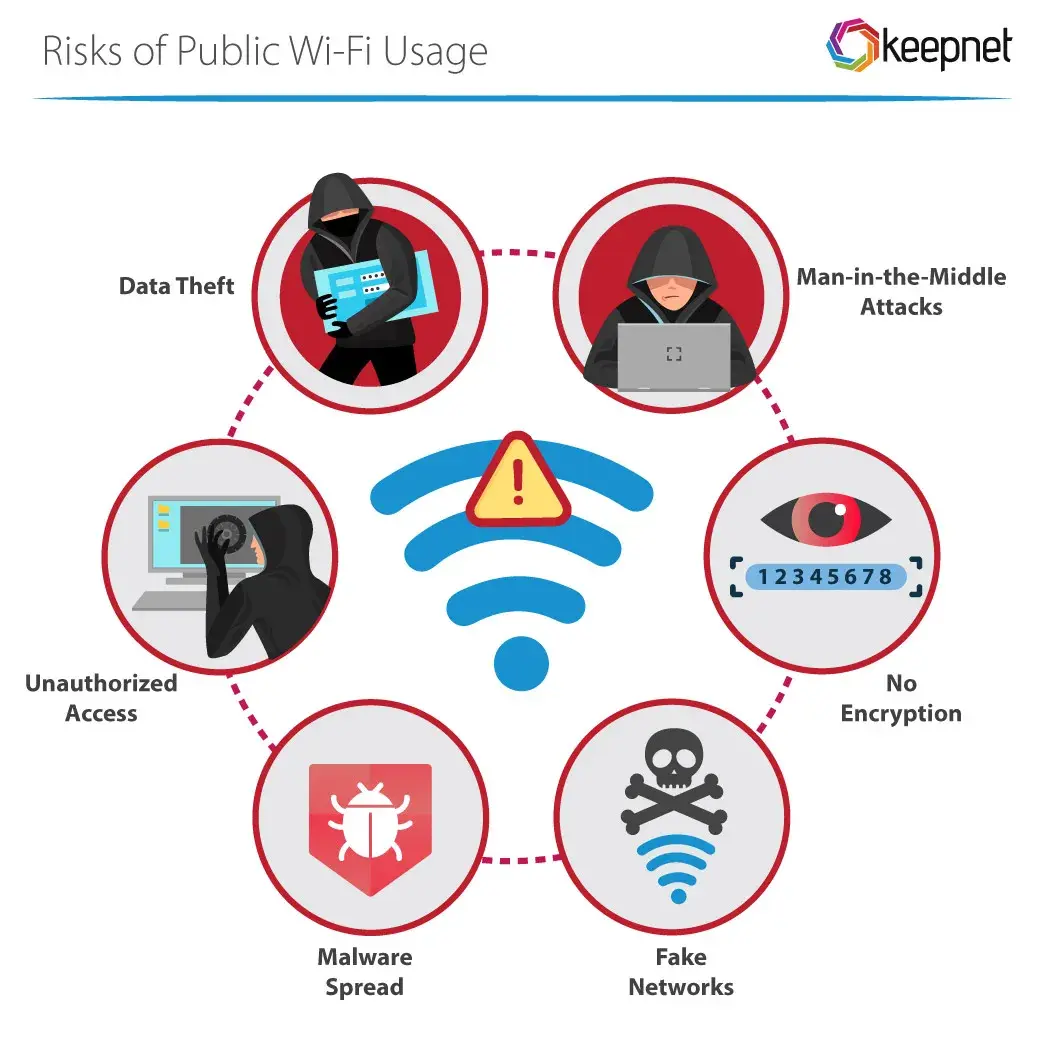
When it comes to online banking, using public Wi-Fi can be risky. Understanding these risks is crucial to safeguarding your financial information. Here are some key points to consider:
| Risk | Description |
|---|---|
| Man-in-the-Middle Attacks | Hackers intercept communications between your device and the bank, possibly stealing sensitive data. |
| Unsecured Networks | Many public Wi-Fi networks do not require a password, making them unprotected and high-risk. |
| Malware Distribution | Cybercriminals can distribute malware through compromised networks, infecting your device. |
| Session Hijacking | Attackers can hijack your session and gain unauthorized access to your banking accounts. |
To enhance your Public Wi-Fi Safety, be aware of these risks. Always think critically before connecting to unfamiliar networks, especially when accessing sensitive accounts. Stay informed and take proactive steps to protect your financial assets.
Essential Tips for Ensuring Public Wi-Fi Safety
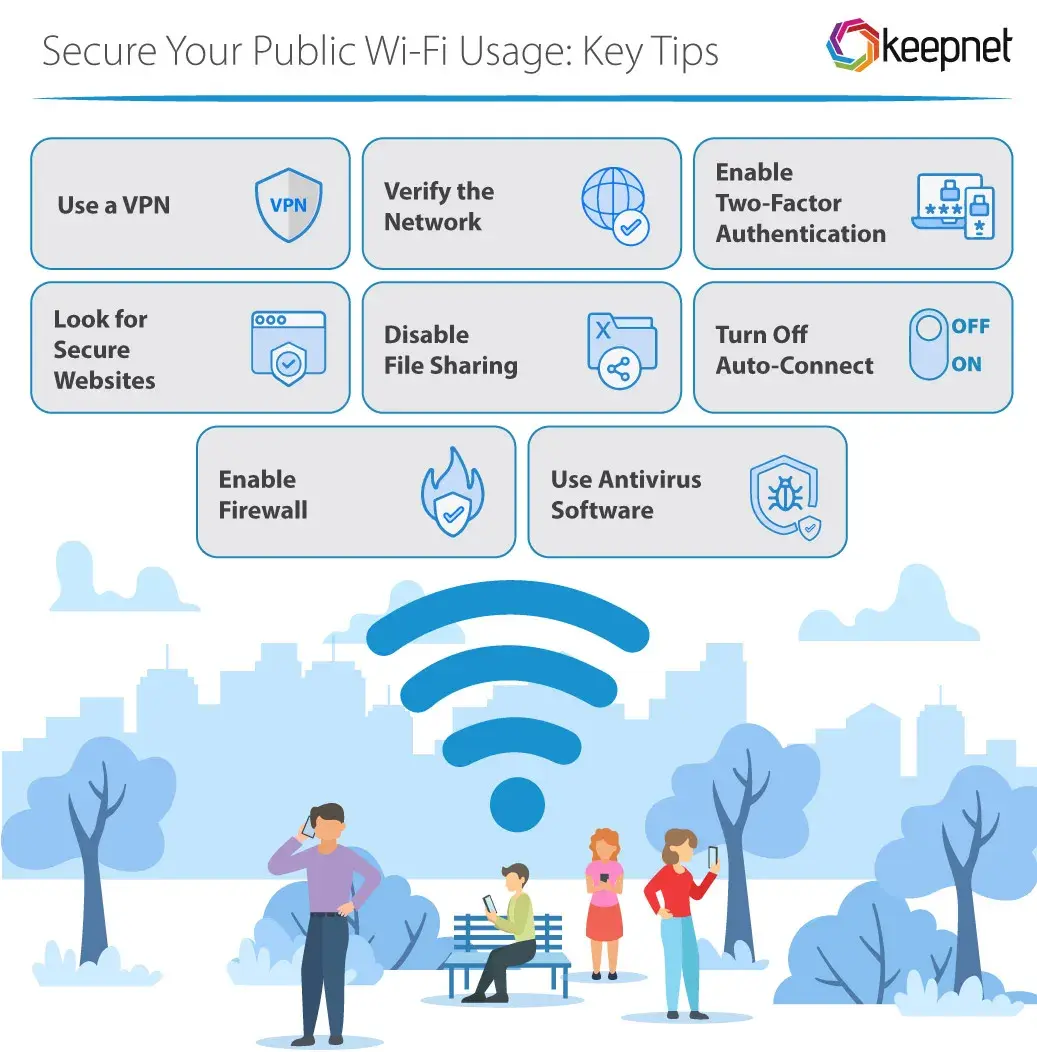
Using public networks can be risky, but there are simple strategies to protect your data. Public Wi-Fi safety can be enhanced by following these essential tips:
- Connect to Secured Networks: Always choose networks that require a password. These are generally safer than open networks.
- Use a VPN: A Virtual Private Network encrypts your internet traffic, making it much harder for hackers to intercept your data.
- Disable Sharing Settings: Turn off file sharing and other sharing options on your device to prevent unauthorized access.
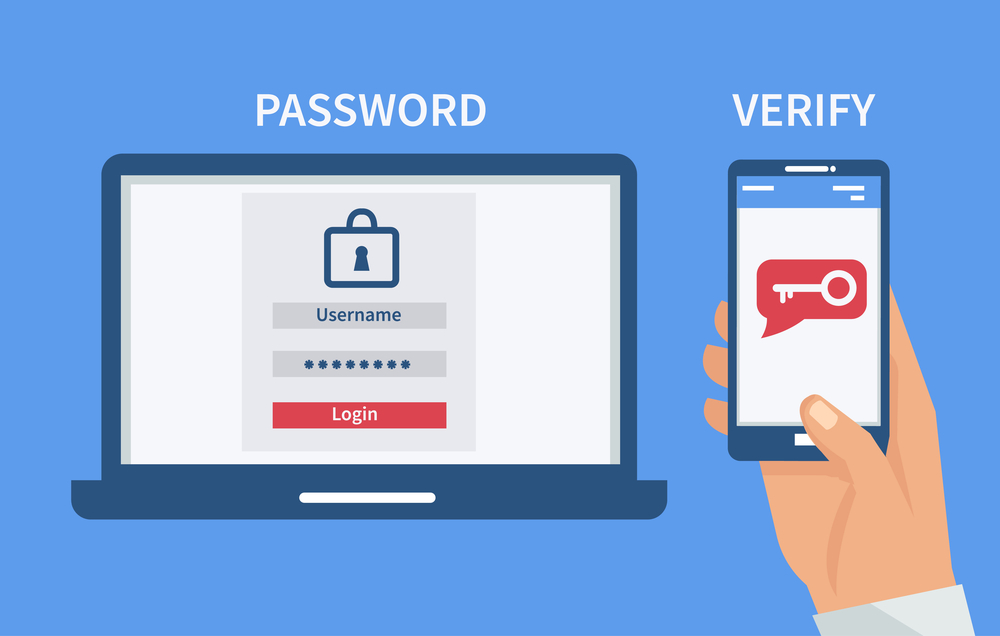
- Enable Two-Factor Authentication: Use this feature for added security when accessing your online banking platform.
- Log Out After Use: Always log out of your accounts once you finish your banking session to prevent unauthorized access.
“Taking simple precautions when using public Wi-Fi can greatly reduce the risk of data theft.” By implementing these practices, you can enjoy the convenience of public networks with peace of mind.
How to Recognize Secure Wi-Fi Networks
When utilizing public Wi-Fi, distinguishing between secure and insecure connections is crucial for Public Wi-Fi Safety. Start by checking the network name; legitimate networks typically display clear and recognizable names, such as those with the establishment’s name followed by “Guest.”
Next, look for secure connections indicated by “https://” in URLs while browsing. This signifies that your data is encrypted. Additionally, some routers allow secure connections only after entering a password. Here’s a quick comparison of network types:
| Network Type | Security Level | User Access |
|---|---|---|
| Public Wi-Fi | Low | Open to all users |
| Encrypted Wi-Fi | High | Requires password |
| WPA2 Secured Network | Moderate-High | Password protection |
Always avoid connecting to networks without passwords or those with generic names such as “Free Public Wi-Fi.” Instead, use trusted connections provided by your intended location. Following these tips will greatly enhance your Public Wi-Fi Safety while banking online.
Using VPNs to Enhance Public Wi-Fi Safety
“Employing a VPN transforms your online experience, especially in public spaces where privacy is a concern.”
Using a Virtual Private Network (VPN) is one of the most effective ways to protect your data while connected to public networks. Here are key benefits and practices:
- Encryption: VPNs encrypt your internet connection, making it difficult for hackers to access your sensitive data.
- Anonymity: It masks your IP address, providing an extra layer of anonymity while browsing.
- Secure Connections: Even if the Wi-Fi network is compromised, your data remains secure through the VPN.
| Feature | Benefit | Example |
|---|---|---|
| Encryption | Protects against eavesdropping | AES-256 encryption methods |
| Anonymity | Keeps your identity hidden | IP masking |
| Connection Security | Secures data even on unsecured Wi-Fi | VPN tunneling |
Incorporating a VPN into your routine when using public Wi-Fi can greatly enhance your security, allowing for safer online banking and browsing experiences.
Best Practices for Online Banking in Public Areas
Using public Wi-Fi can be convenient, but it also poses risks, especially when managing your online banking. To ensure Public Wi-Fi Safety, follow these best practices:
| Best Practice | Description |
|---|---|
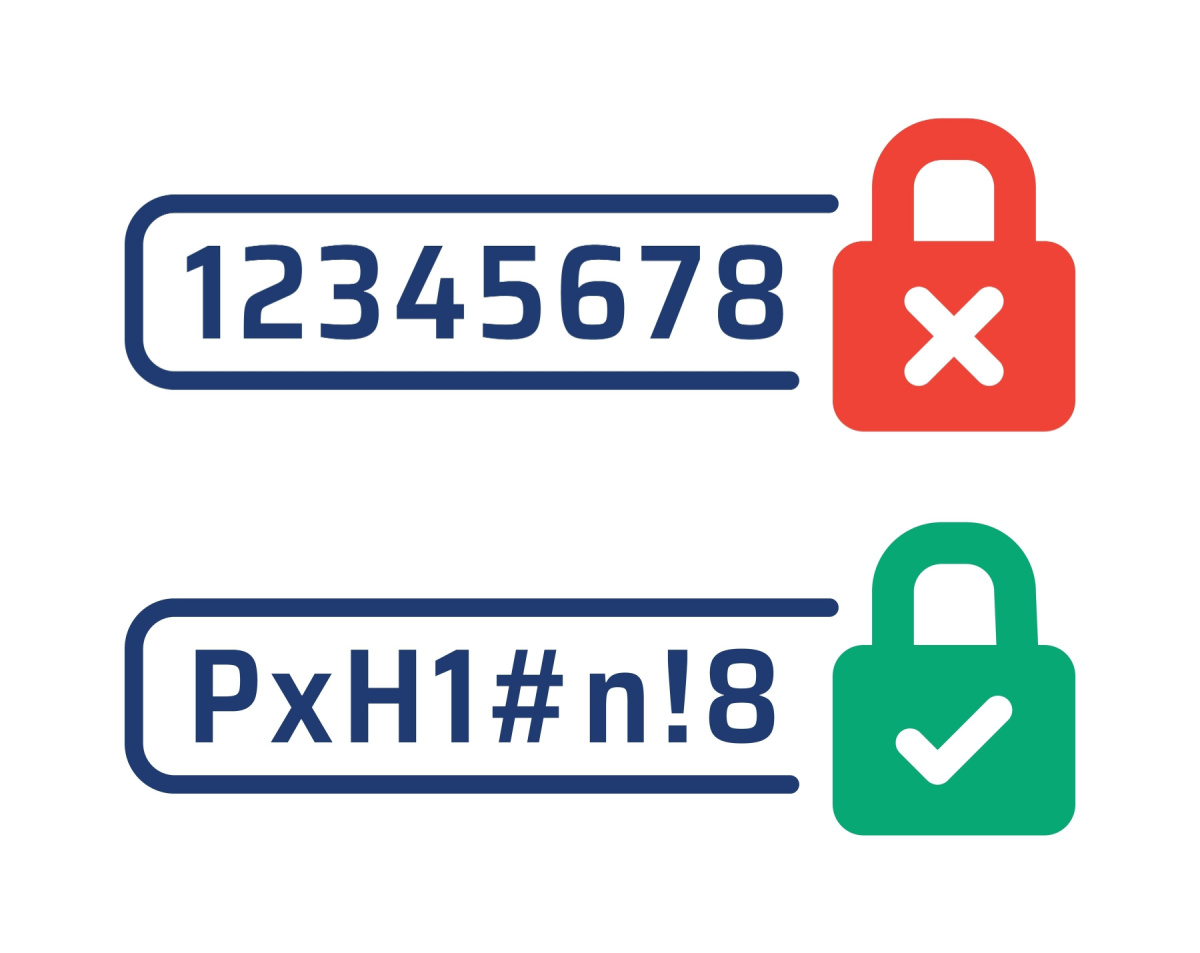
| Use Strong Passwords | Always choose complex passwords; avoid using the same password across accounts. |
| Enable Two-Factor Authentication | Add an extra security layer to your online banking by enabling two-factor authentication. |
| Limit Sensitive Transactions | Whenever possible, avoid conducting large transactions on public Wi-Fi. |
| Log Out After Each Session | Always log out when finished to prevent unauthorized access. |
| Monitor Your Accounts Regularly | Frequently check your bank statements for any unusual activity. |
By implementing these strategies, you can significantly improve your Public Wi-Fi Safety and protect your banking information from potential threats. Being proactive can make all the difference!
Frequently Asked Questions
What precautions should I take when using public Wi-Fi for online banking?
When using public Wi-Fi for online banking, always connect to a secure network and avoid using networks that are unprotected or require no password. Additionally, ensure that you are using a Virtual Private Network (VPN) to encrypt your internet connection, which helps protect your data from being intercepted. Also, use two-factor authentication and keep your banking app updated to benefit from the latest security features.
Is it safe to access my bank account on a public Wi-Fi network?
Accessing your bank account on a public Wi-Fi network poses significant risks, including exposure to potential cyber threats. Cybercriminals can easily intercept data transmitted over unsecured networks. To enhance safety, refrain from conducting sensitive transactions like banking or online shopping. If you must access your bank account, use a VPN and ensure you are on a trusted site with an ‘https’ prefix, indicating a secure connection.
What signs indicate that a public Wi-Fi network is secure?
A secure public Wi-Fi network typically has the following signs: it requires a password for access, often displayed in the establishment (like cafes or hotels). Look for networks that use encrypted connections, denoted by an ‘https’ in the URL rather than ‘http’. Additionally, the presence of well-known providers or institutions backing the network can indicate reliability and security.
What can I do if I suspect my information has been compromised while using public Wi-Fi?
If you suspect that your information has been compromised while using public Wi-Fi, immediately change your passwords for sensitive accounts, such as banking and email. Enable fraud alerts with your bank, monitor your accounts for any unauthorized activity, and consider placing a fraud alert on your credit report. Additionally, running a comprehensive malware scan on your device can help identify and eliminate any threats.